


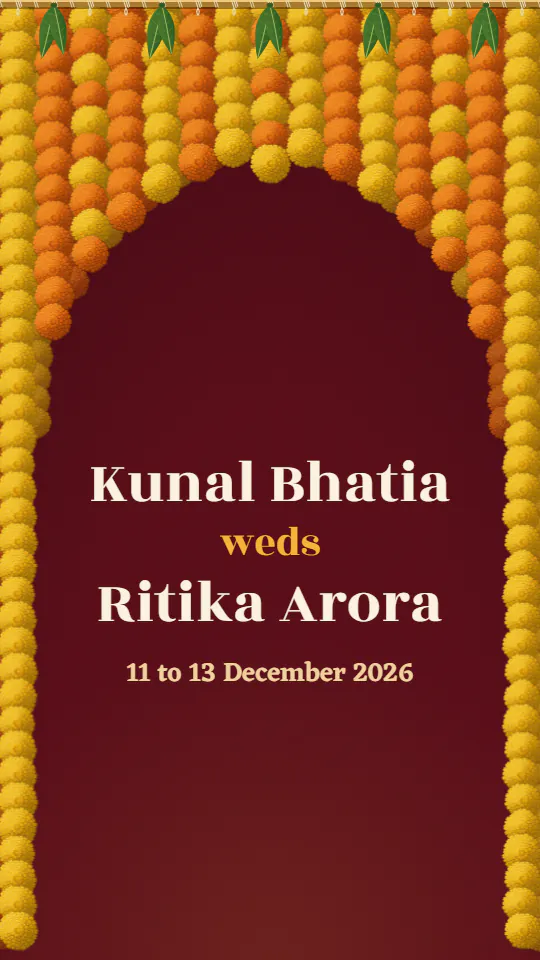
The Marigold Arch
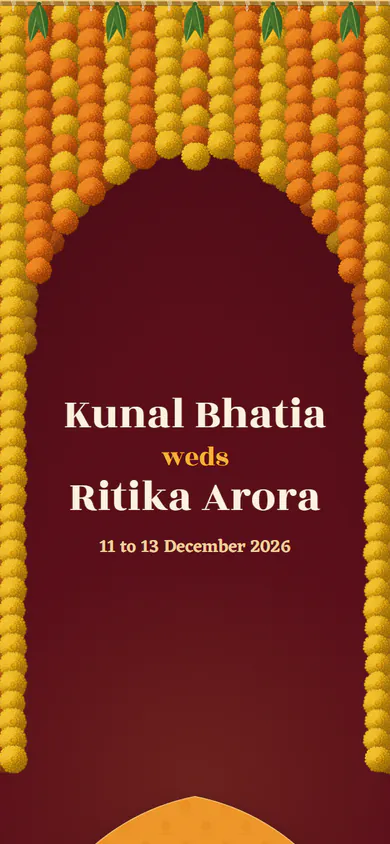
A marigold doorway and a card for every function
Ten designs in four colours each, every one a whole invite page to share on WhatsApp, Instagram or any app. Start with your two names.
Type your names above and every design shows them. Tap a colour to try it, and a cover to open the whole invite.
A marigold doorway and a card for every function
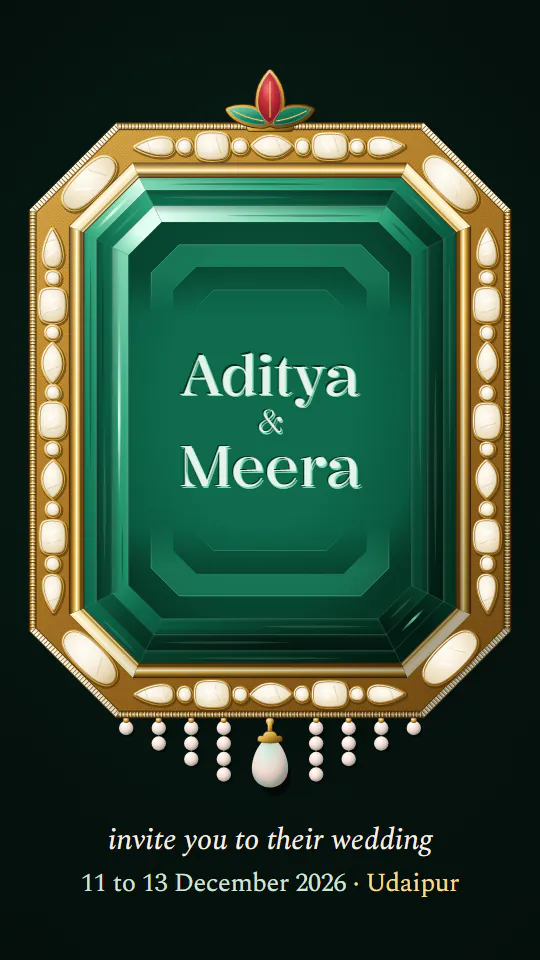
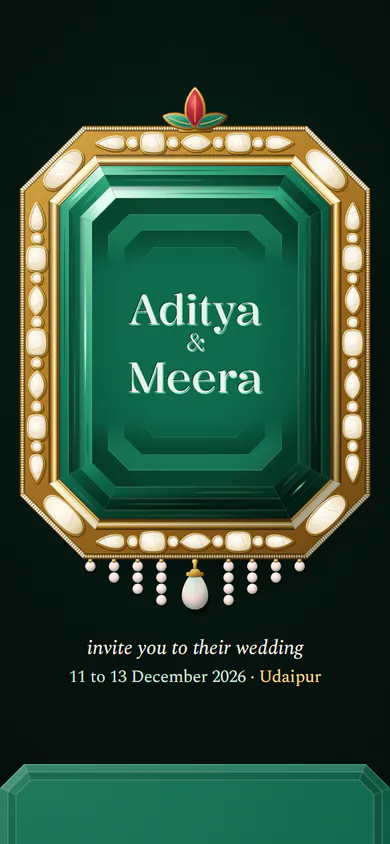
Your names cut into an emerald
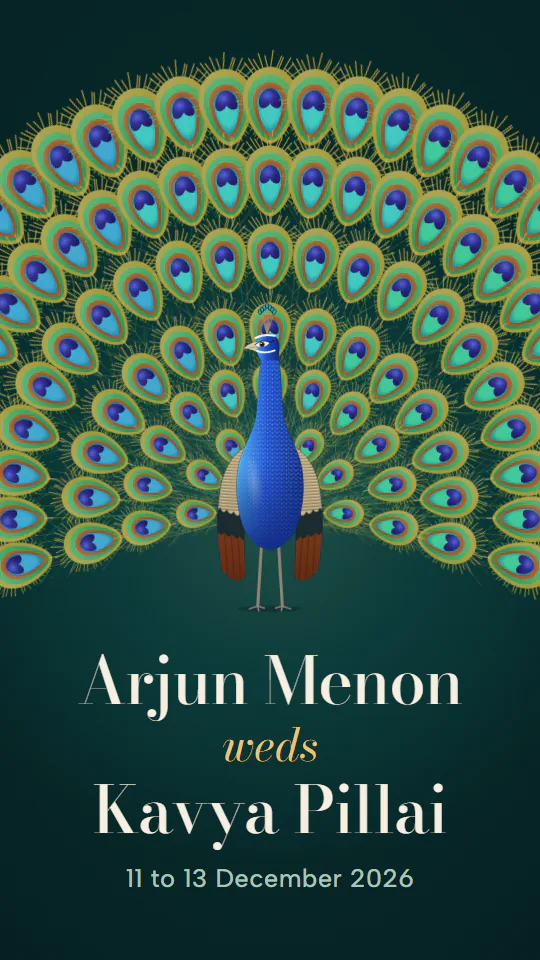
A peacock in full display, in its own colours
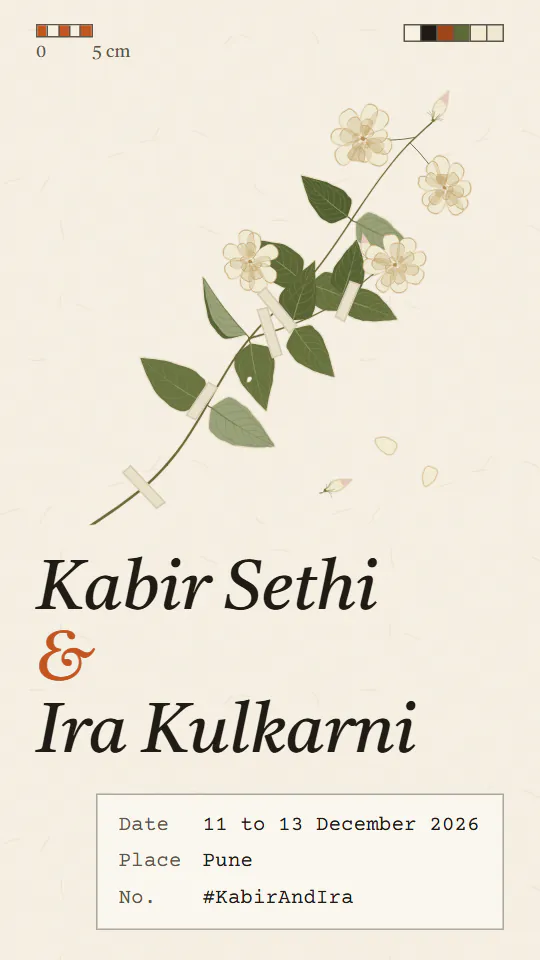
A pressed jasmine and its label
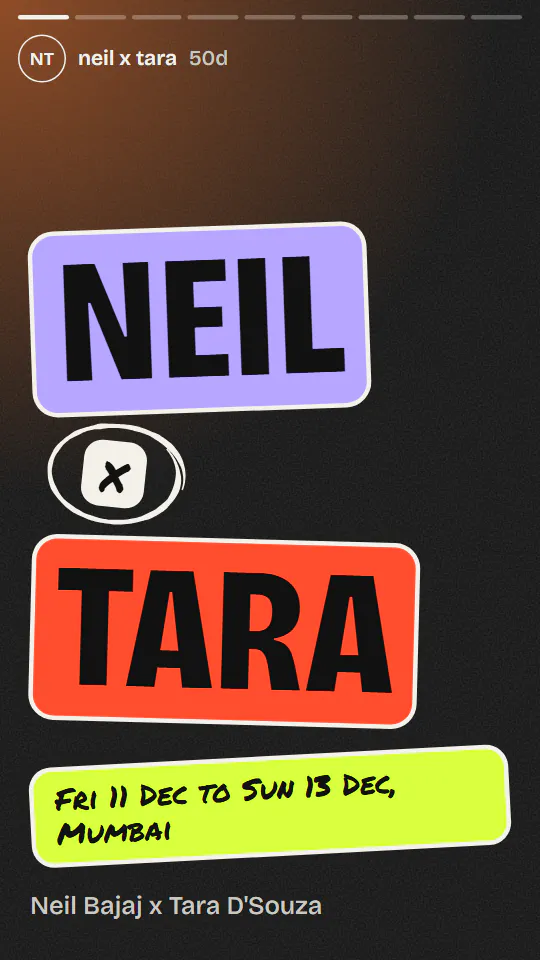
Full-screen stories, colour cards, big type
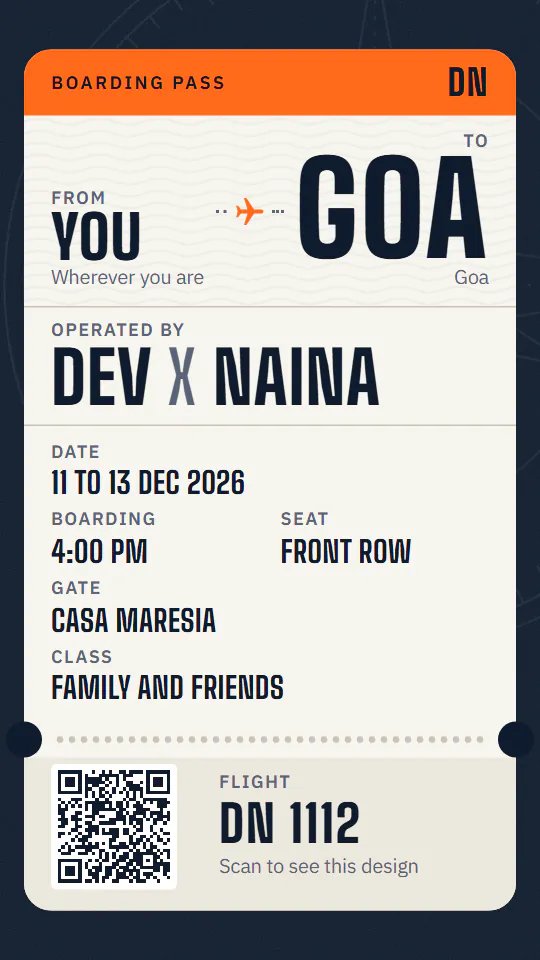
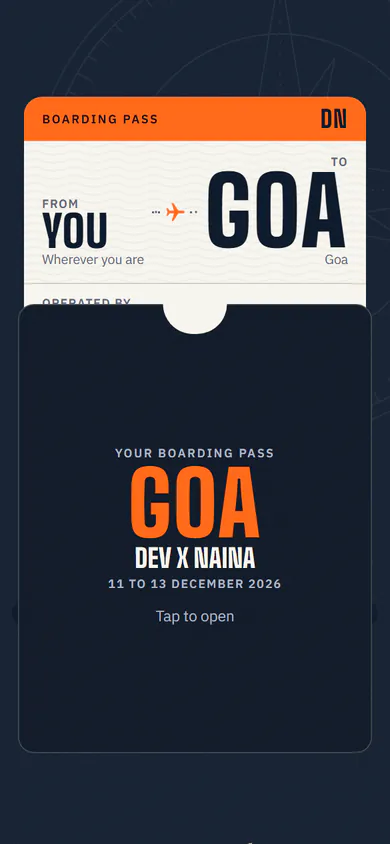
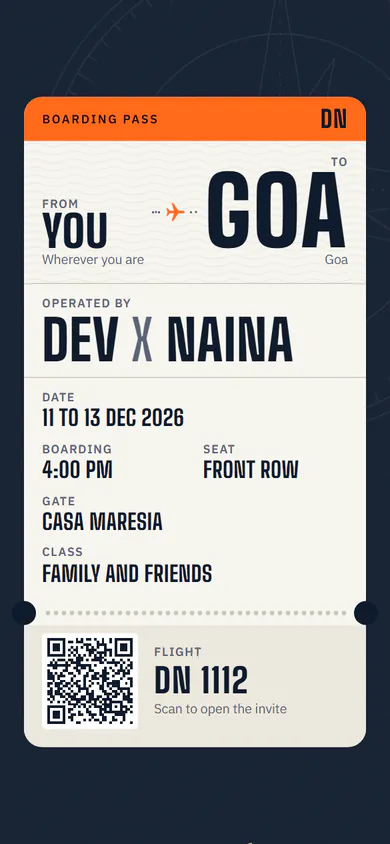
Your wedding as a boarding pass
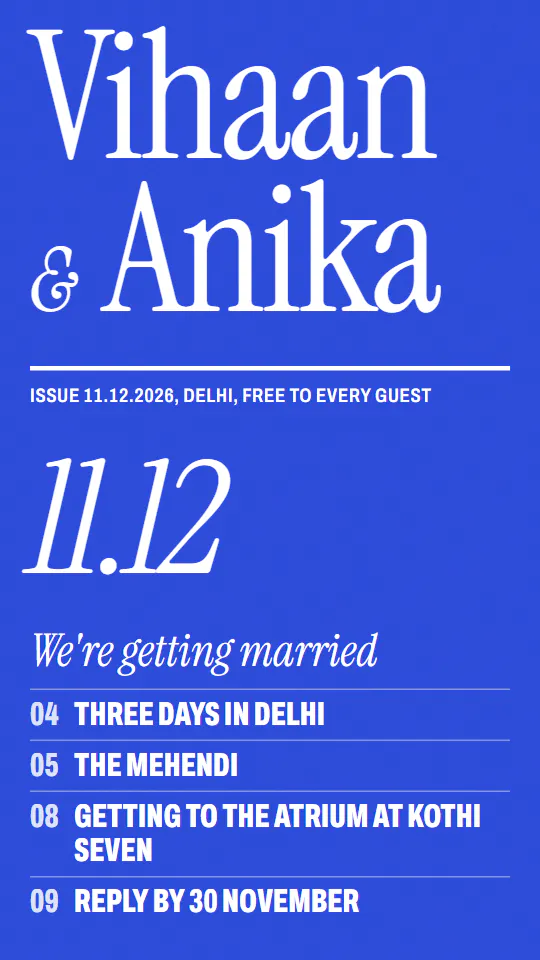
Magazine cover energy, all type
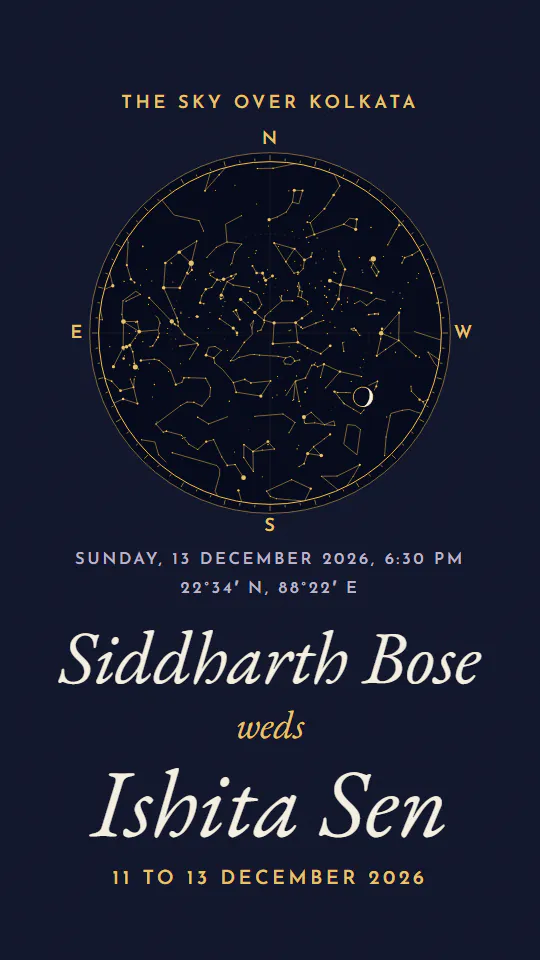
The real sky over your wedding night
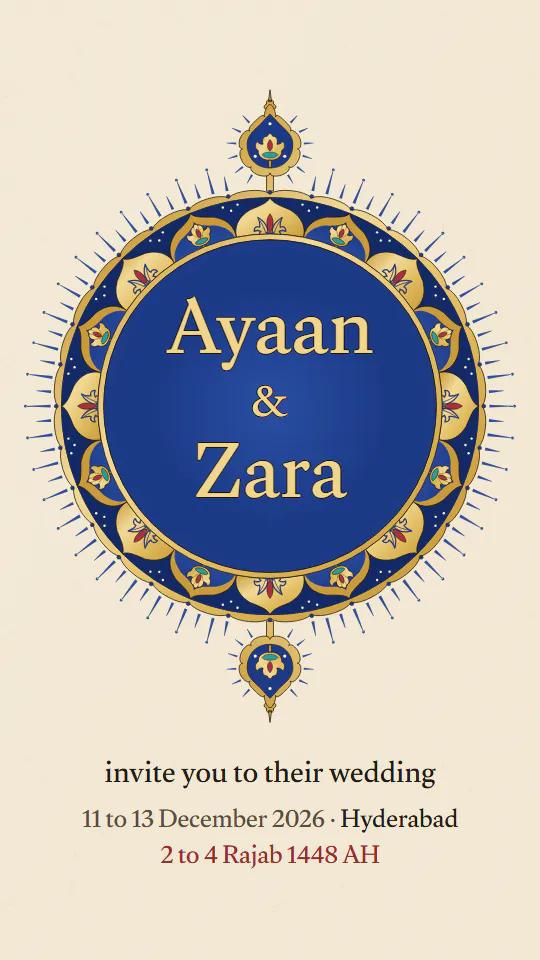
Your names in an illuminated sun of gold and lapis
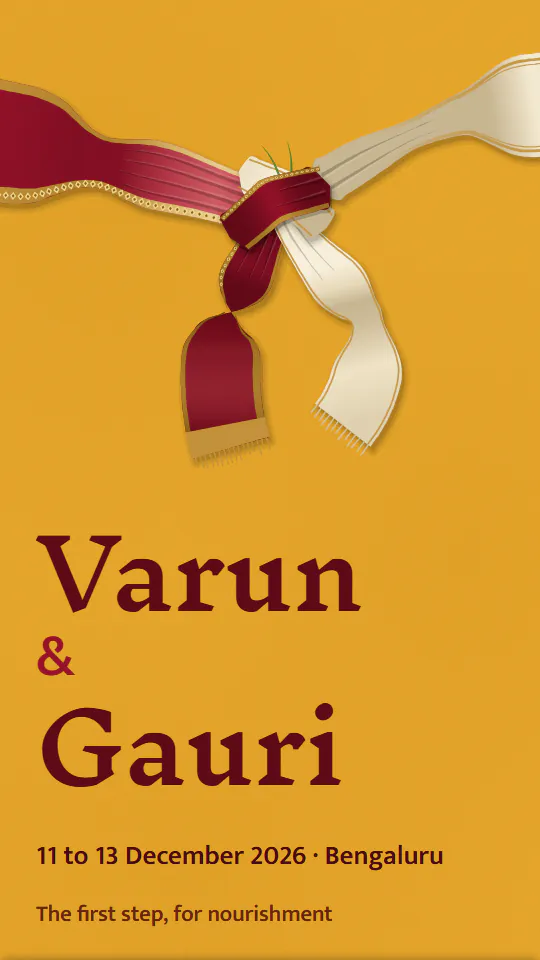
Seven steps, tied with a knot
No designer, no printer, no app for your guests. A few minutes on your phone.
Your names and the date are all it needs. Every design then shows your own names, so you choose with your invite in front of you.
Add your functions, venues, family and a photo, and the page grows a section for each. Leave something out and its section never appears.
You get your own link, a share image for any app and a QR code for printed cards. Change anything later from your edit link.
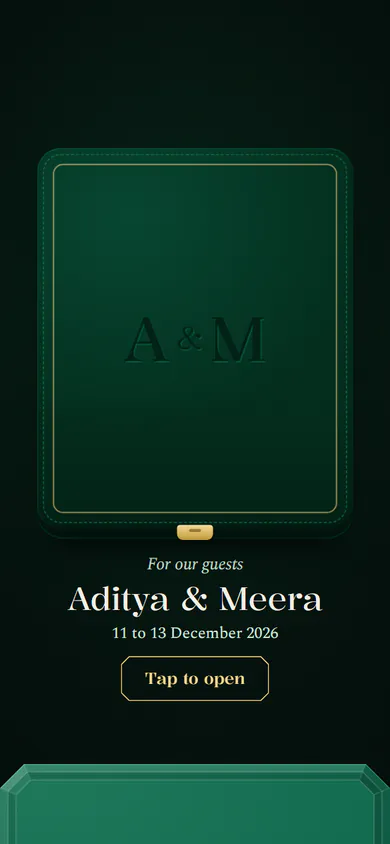
Choose to have it arrive in an envelope, and each guest opens it once, on their first visit, in the design's own way. Then the whole invite is there.

One link opens the whole invite in any phone's browser. Send it on WhatsApp, Instagram, Telegram, Messages or email, and the preview shows your own cover. A share image fits status updates and stories, a QR code puts the same link on printed cards, and guests can add every function to their calendar.

Our wedding invite! Tap to open.
9:41Designs drawn from the rites and crafts of Indian weddings, and a few made for fun.
No. The invite is a web page, so it opens from WhatsApp, Instagram, Telegram, a text or an email, in the phone's own browser.
Yes. Send the link in a message or add it to a story with a link sticker, and post the share image to your story or feed. The same link works in every other app too.
No. You publish straight from the form, and you get back a private edit link. That link is your key to the invite, so keep it somewhere safe.
Yes. Open your edit link to change names, dates, functions, venues, the design or its colour. The invite link stays the same, so everyone who opens it sees the new version.
Yes, from the mehendi to the reception. Add each function with its date, time and venue, and the invite gives each one its own place, with directions to its venue.
Add a WhatsApp number, a phone number or a form link, and the invite shows a button for it.
Yes. Noor is made for Muslim weddings: every date also appears in the Hijri calendar, and the Bismillah appears only if you choose it.
Yes. Choose a private link and the address gets an unguessable code, so only the people you send it to can open it. Search engines never list a couple's invite, private or not.
Yes, one photo of the two of you, placed where the design has room for it.
The countdown ends and the page becomes a keepsake of the day, marked just married.